Log into your account at connect.cohley.com, go to the “Briefs” tab and then click on “New”.
At the top you will see two Recommended briefs based on whether you are a professional photographer or a reviewer. If you have had success with brands in the past, we will recommend those briefs. Our goal is to recommend the briefs for which you are most likely to get accepted.
You can also filter by type of brief or payment to find the briefs that are best for you:
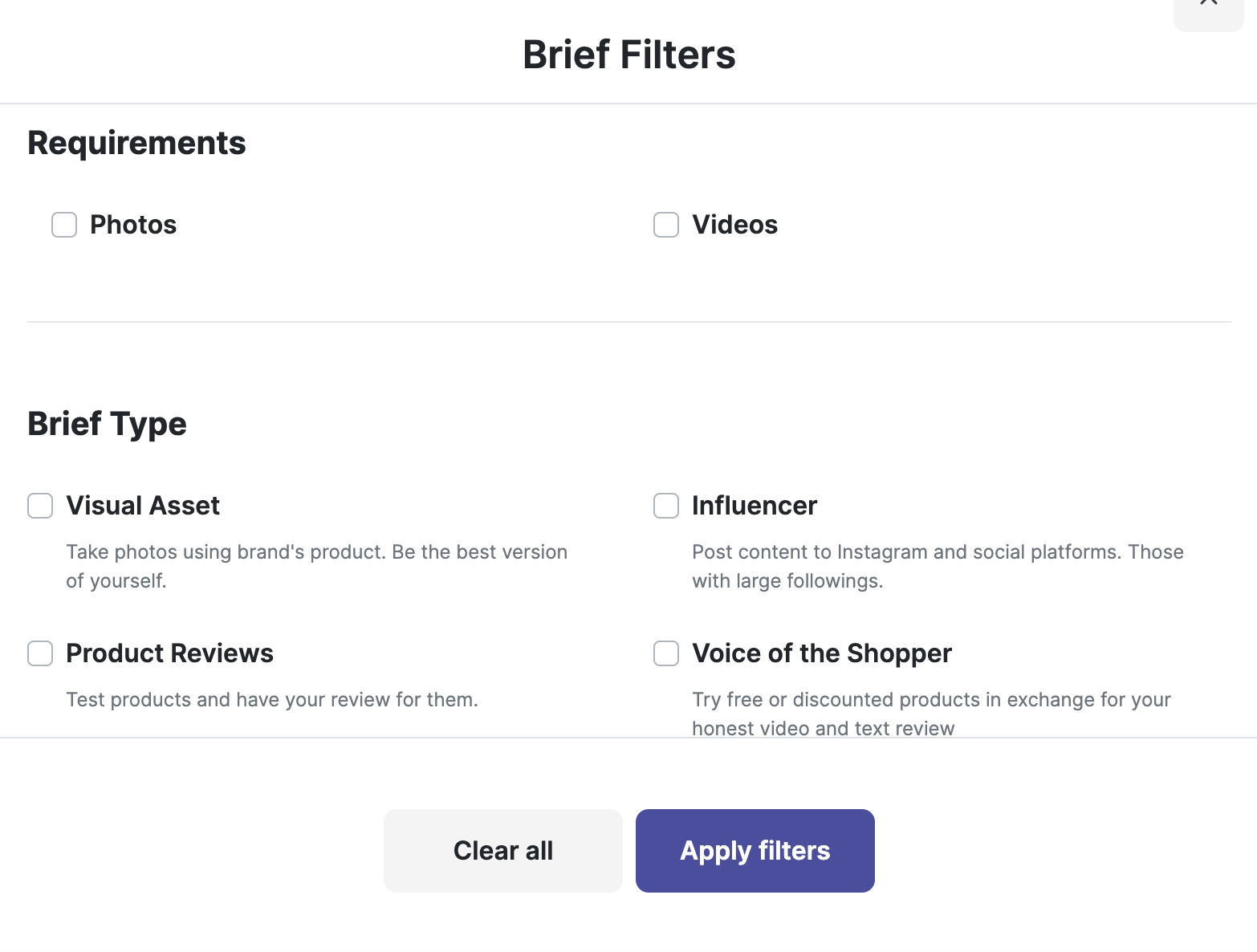
For more information on various brief types, please view the Onboarding Guide at the top of connect.cohley.com.
Was this article helpful?
That’s Great!
Thank you for your feedback
Sorry! We couldn't be helpful
Thank you for your feedback
Feedback sent
We appreciate your effort and will try to fix the article