After accepting Creators into my brief, what do I do?
1. Reconfirm Information
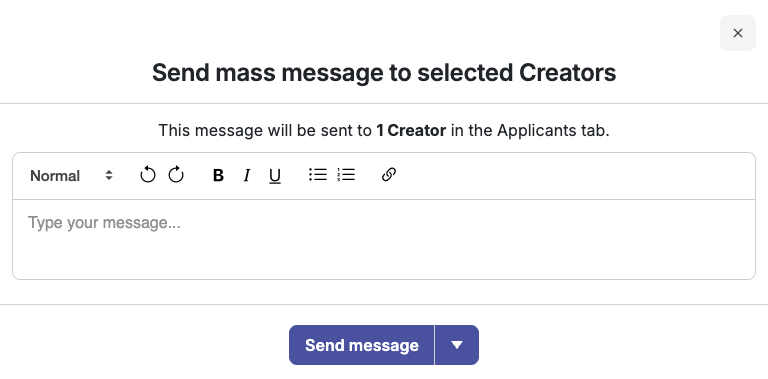
Send a message by selecting all Creators and selecting 'send message' to reconfirm information with all accepted Creators (that their shipping address on file is correct, that they read and agree to the brief, that they are able to follow the brief timeline, etc.).
2. Ship Products
Shipping with Shopify — how do I create a Shopify order for a Creator?
Cohley creates the Shopify order for you — you don't build it in Shopify yourself. Connecting the integration doesn't place any orders on its own.
- Accept the Creator into your brief.
- On the Creator's card, click Process Order to send them the product(s) they selected. To send in bulk, select all Creators with the square at the top right and click Process Order.

- Cohley places the order in Shopify at a $0 price, tagged cohley, and sends the Creator their tracking number once Shopify returns it.
- A filter is available to view Creators with Order Sent versus Order Not Sent for your convenience.
Before you process:
- If a Creator's address is incorrect, it cannot be processed via Shopify and must be changed manually.
- Product and variant selection can only be changed until the order is processed. Once it has been sent to Shopify, the selection can't be changed and the order can't be reprocessed — see Changing a Creator's Product Selection.
Shipping Manually
If an eCommerce integration is not utilized, select all Creators and click "Export Creators" to download a spreadsheet of all accepted Creators and their addresses. After manually shipping product, you'll need to manually send Creators tracking numbers via the chat.
- If a Creator's address is incorrect, you'll need to manually change their address on the spreadsheet.
Was this article helpful?
That’s Great!
Thank you for your feedback
Sorry! We couldn't be helpful
Thank you for your feedback
Feedback sent
We appreciate your effort and will try to fix the article